
How to Secure Your Tern Bike’s Kickstand Feet
As a Tern bike rider, you may have experienced issues with your bike’s kickstand (lockstand) feet rotating, even when they are fully secured. You can solve this problem by using Loctite 638, a type of adhesive.
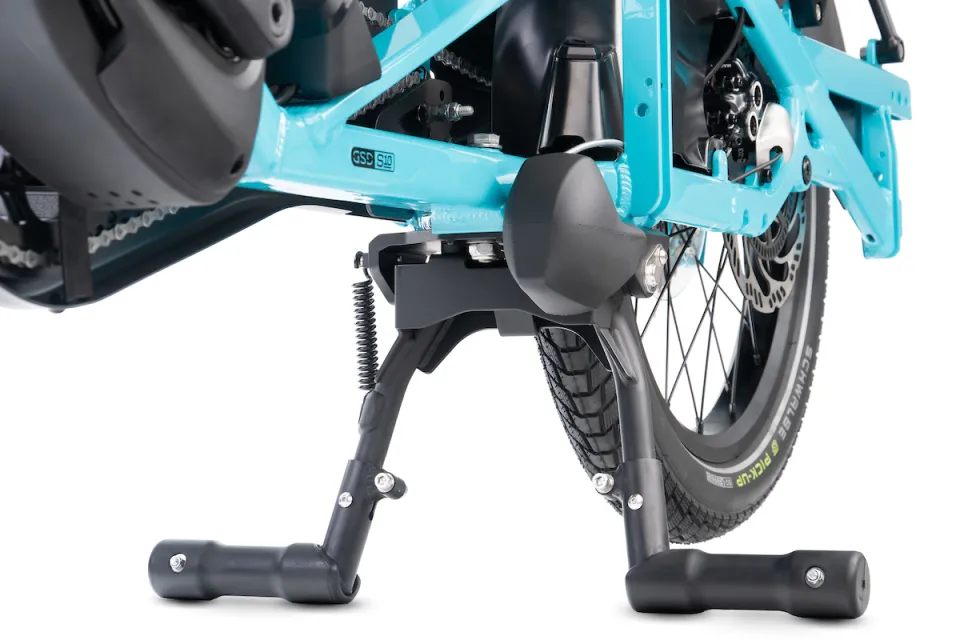
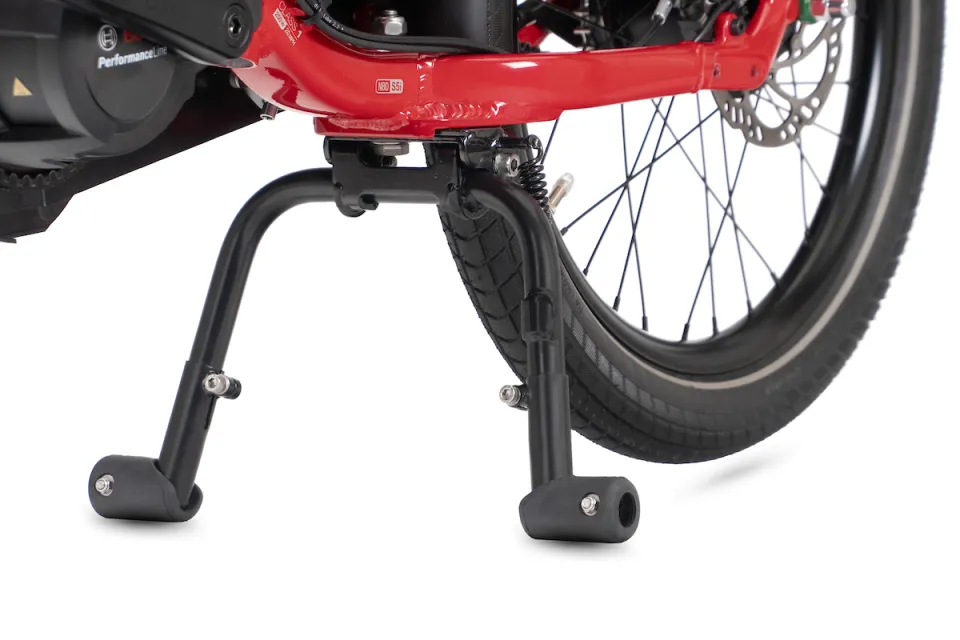
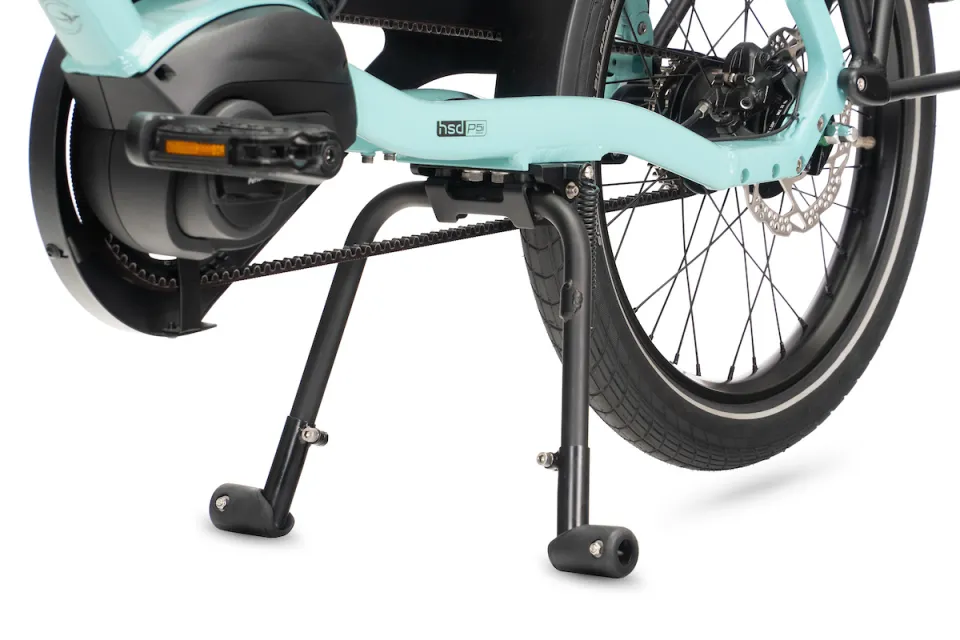
Which Tern bike kickstands are affected by this issue?
A small number of kickstands with DuoStand Ends may encounter this issue:
- Atlas Kickstand (for the Quick Haul Long, Orox)
- DuoStand (S, Gen 2, Gen 3)
How do I secure my kickstand's feet?
You can secure the feet by applying Loctite to the kickstand’s inner tube. Just follow these steps:
Step 1: Use a 5 mm Allen wrench to remove the DuoStand Ends and unscrew the locking screw completely.
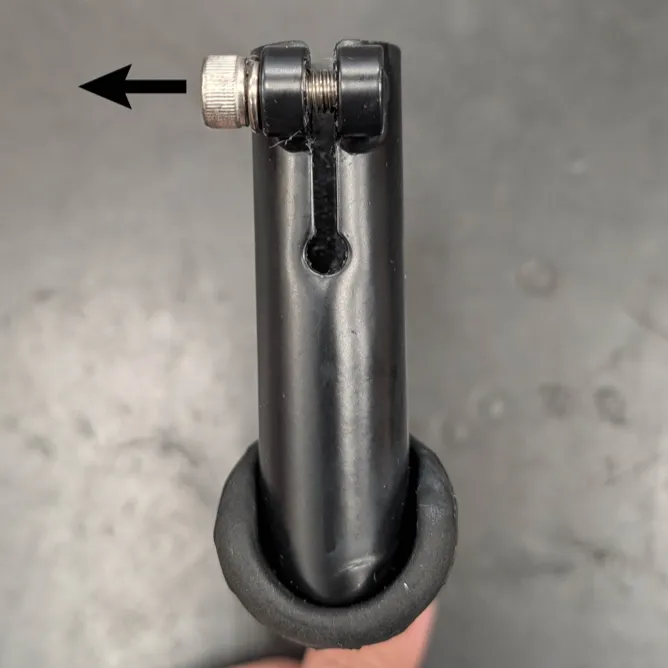
Step 2: Clean the kickstand legs with soapy water or alcohol, and ensure they are completely dry.
Step 3: Using a flathead screwdriver, carefully widen the gap on the DuoStand Ends and reinstall the locking screw without tightening it.
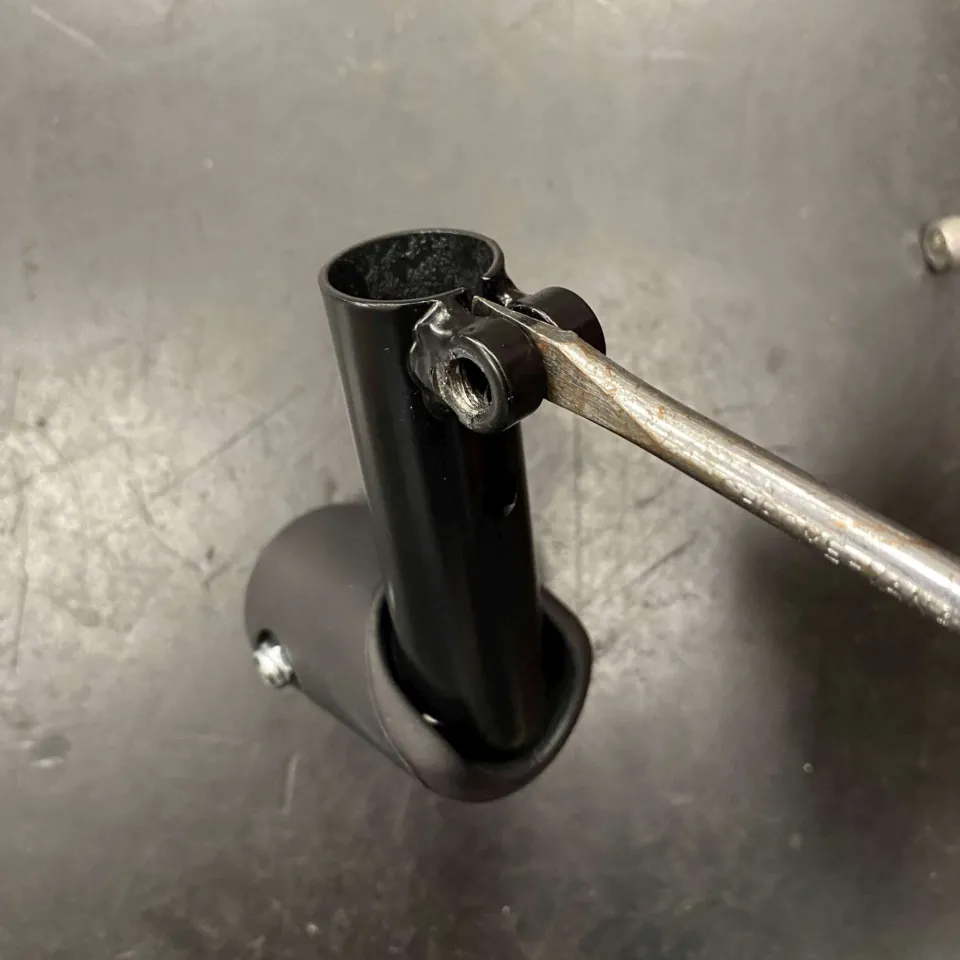
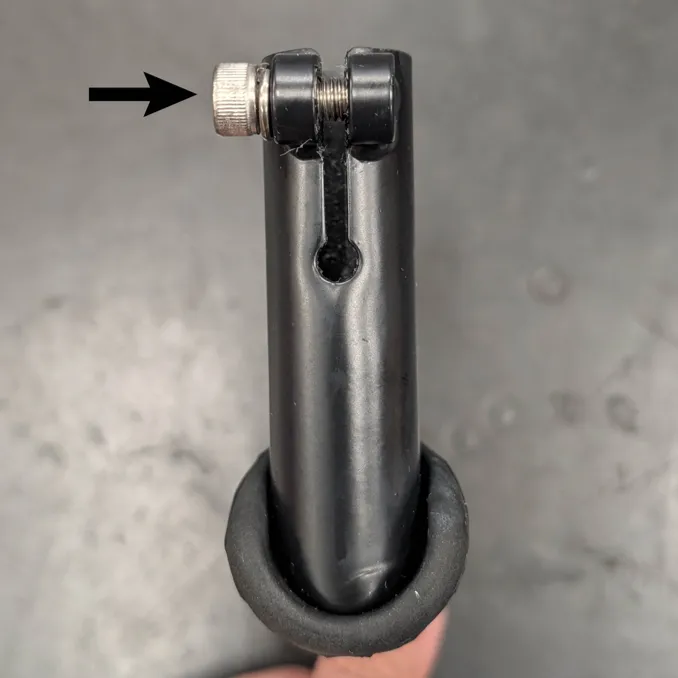
Step 4: Insert the Loctite nozzle into the tube, and apply a layer around the tube’s inner circumference approximately 15 mm from the opening.
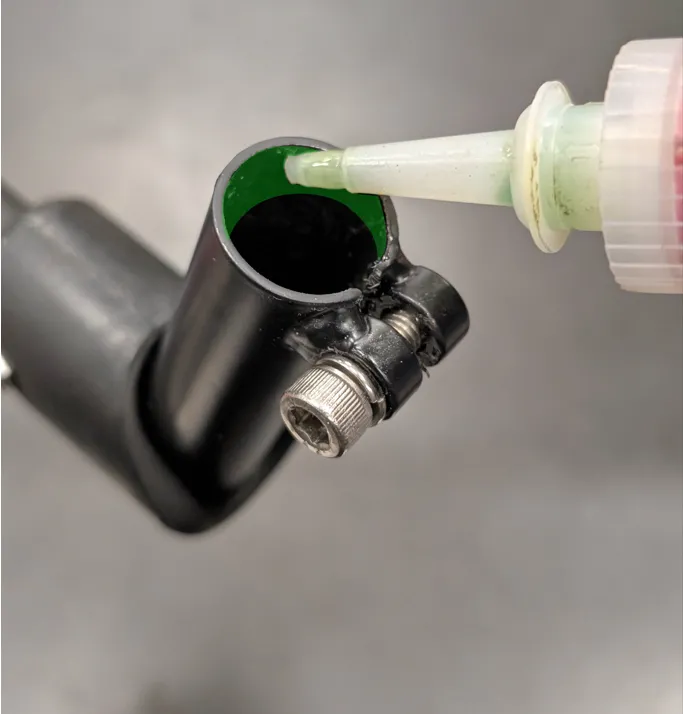
Step 5: Reinstall the DuoStand Ends onto the kickstand and tighten them to 10 Nm.
Step 6: Wait 24 hours for the Loctite to fully dry and set.
Extra Tips
- If you don’t have Loctite 638 at home or can’t find it in a shop, ask your nearest Tern dealer to help you out.
- You could also use Loctite 222 or 243 if you cannot get Loctite 638. However, they are less effective on cylindrical surfaces.
- You can still ride your bike before the adhesive has dried and set, but we recommend you avoid carrying heavy loads during this time.
- If you want to adjust the DuoStand Ends’ height later, you should remove the old Loctite layer before reapplying it.