How to Build the Clubhouse Fort on the GSD Gen 3
This article only covers the GSD Gen 3 electric cargo bike. To build the Clubhouse Fort on the GSD Gen 2, click here. If you have a Quick Haul Long, click here.
What do I need to build the Clubhouse Fort?
The Clubhouse Fort weather canopy for kids on the GSD Gen 3 comprises these Tern accessories, which are sold separately:
- Clubhouse (Gen 3 or Gen 4)
- Stow Decks
- Storm Box (Gen 1 or Gen 2)
- Storm Shield or Sun Shield + Rain Shield
Check out the installation steps below.
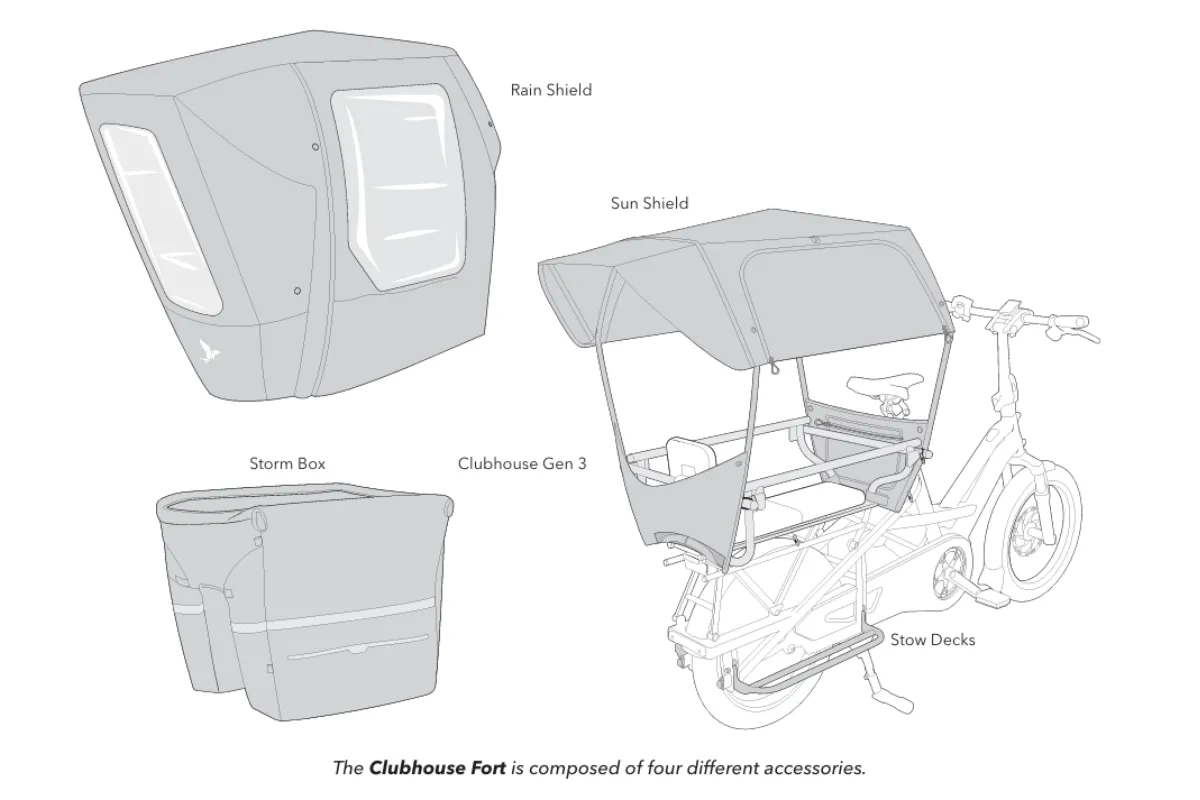
An example of various components of the Clubhouse Fort on a GSD Gen 3
Step 1: Install the Stow Decks
The Stow Decks form the base of the Clubhouse Fort on the GSD Gen 3. They’re required to install the Storm Box.
- Download the Stow Decks manual
Step 2: Install the Clubhouse (Gen 3 or Gen 4)
The Clubhouse is the base of the Clubhouse Fort. You will need it to install the Storm Box and Storm Shield or Sun/Rain Shield. Either the Flat Bar or the Child Seat Expansion Bar included with the Clubhouse can be used to install the Clubhouse Fort. However, only the Flat Bar allows vertical parking.
- If you have younger children, you’ll need to add one or two child seats. Check out this article for more information about compatible child seats on the GSD Gen 3.
- If you have older or bigger kids, we recommend adding the Clubhouse Seat Pad and Clubhouse Backrest.
- Download the Clubhouse manual (Gen 3 / Gen 4)
Step 3: Install the Storm Box (Gen 1 or Gen 2)
The Storm Box attaches to both the Clubhouse and Stow Decks.
Step 4: Install the Storm Shield or Sun Shield + Rain Shield
i. Storm Shield

- Download the Storm Shield manual
ii. Sun Shield + Rain Shield

Download the manuals:
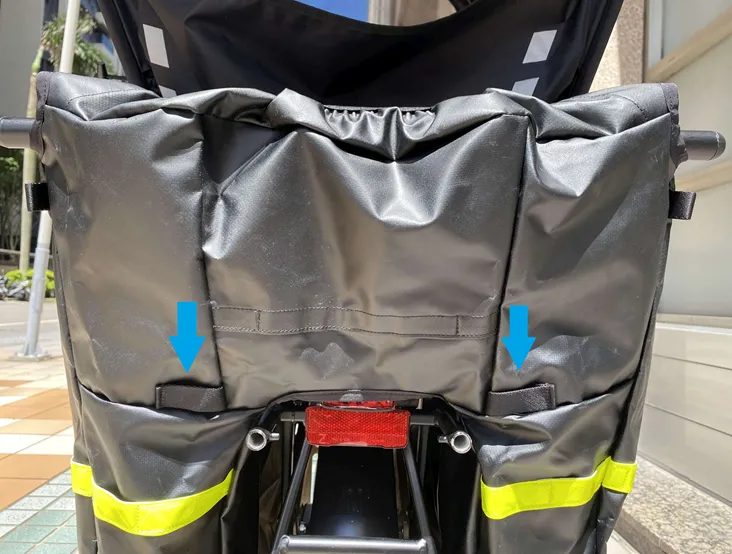
To install Sun Shield on a bike equipped with Storm Box
Follow the Sun Shield manual to install the front self-fastening straps and each of the 4 elastic cords directly onto the Clubhouse:
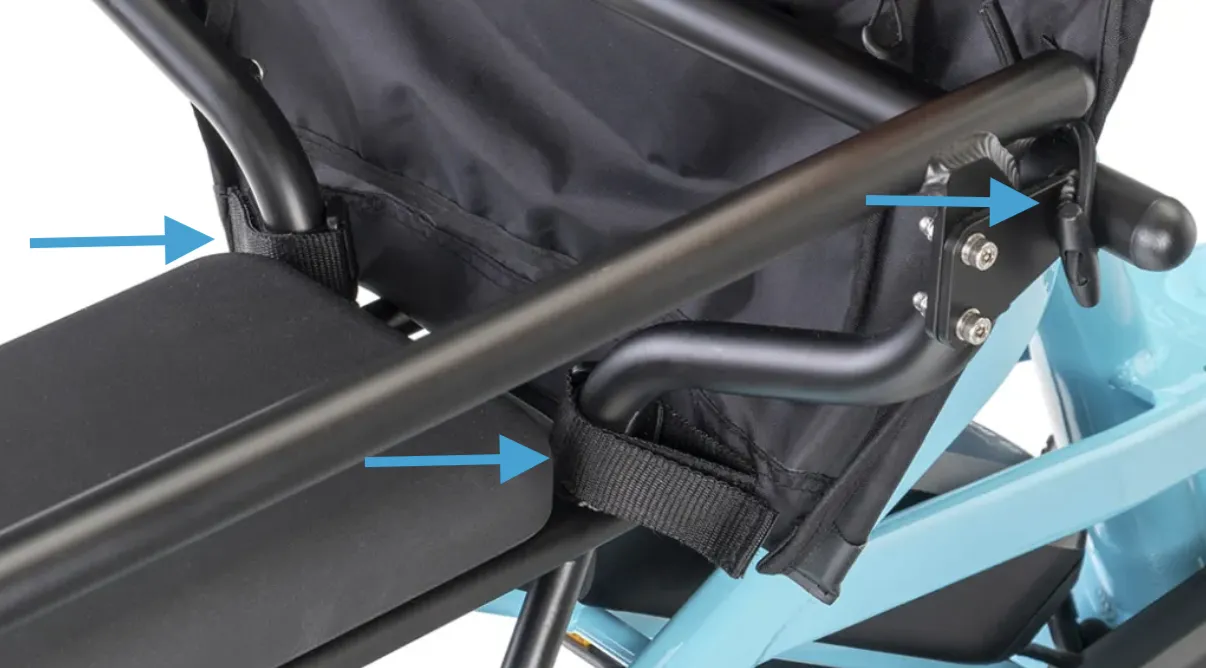
Then, attach the Sun Shield's rear straps to the outer loops of the Storm Box: